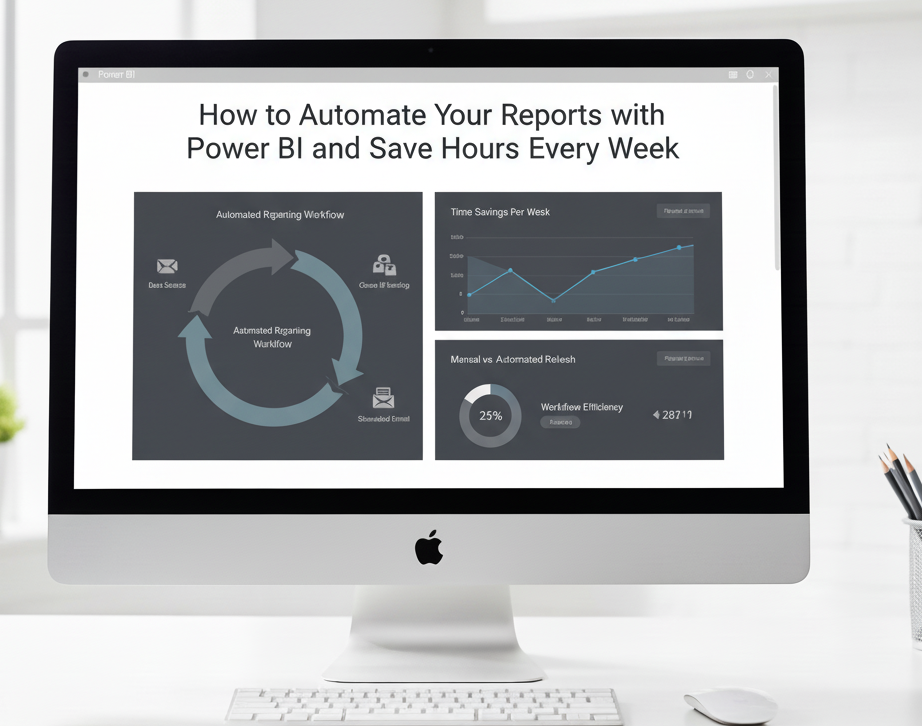
For many teams, creating regular reports can be time-consuming and repetitive. Manually consolidating data in Excel or other tools not only wastes hours but also increases the risk of errors. The good news? Power BI makes report automation simple, saving you time and ensuring accuracy.
1. Scheduled Refresh:
Power BI allows you to set up automatic data refreshes at regular intervals. Once connected to your data sources, your dashboards update in real time without any manual intervention.
2. Power Query:
With Power Query, you can clean, transform, and combine data automatically. Instead of manually preparing data for reporting, Power Query handles the heavy lifting every time new data arrives.
3. Power Automate Integration:
Power BI integrates seamlessly with Power Automate, enabling workflows like automated report distribution, alerts for key metrics, and notifications when thresholds are met — all without touching a spreadsheet.
4. Optimized Data Pipelines:
By building efficient data pipelines, you can ensure that information flows smoothly from multiple sources into your dashboards. This reduces bottlenecks and eliminates manual consolidation work.
At StudioDataFlow, we help businesses automate their reporting processes with custom Power BI solutions. By leveraging automation, your team can focus on analyzing insights, not preparing reports, saving hours every week and improving decision-making.