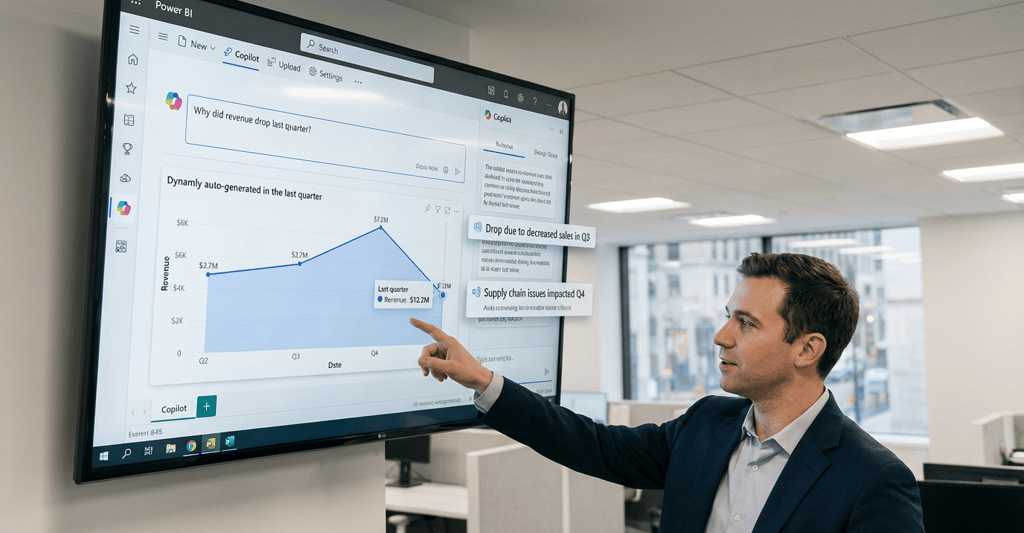
For years, Power BI has been synonymous with dashboards—clean visuals, KPIs, slicers, and monthly reporting packs. Useful, yes. But 2026 is marking a clear shift: Power BI is no longer just a reporting tool. It’s becoming a decision intelligence platform.
The biggest change driving this evolution is AI-powered analytics. With Copilot, AI agent now embedded into the Power BI experience, users don’t just explore data—they converse with it. Business users can ask plain-language questions, generate visuals automatically, and even receive explanations of trends without touching DAX. For developers, this doesn’t replace expertise; it elevates it. Our role shifts from chart builders to data architects and insight designers.
Another major trend is real-time analytics. Organisations no longer want to wait for nightly refreshes when decisions are being made minute-by-minute. Streaming datasets and live dashboards are increasingly used across operations, logistics, finance, and service delivery—turning Power BI into a live monitoring surface, not a historical archive.
At the same time, embedded analytics is gaining momentum. Power BI visuals are moving out of the BI workspace and into apps, portals, and operational systems. Insights now live where decisions happen—inside workflows—rather than behind another login or tab. This changes how we design reports: context matters more than ever.
On the platform side, Microsoft Fabric and OneLake are reshaping enterprise BI. Unified data models, shared semantic layers, and governed self-service are becoming standard expectations. Power BI developers are increasingly working across data engineering, modelling, governance, and UX—not just visuals.
Finally, predictive insights and anomaly detection are moving from “nice to have” to business-critical. Stakeholders don’t just want to know what happened—they want early warnings and informed forecasts.
The takeaway?
Power BI is evolving from showing data to guiding decisions.
For Power BI developers, this is a huge opportunity. The future belongs to those who combine strong data modelling, thoughtful design, and AI-assisted insights to create analytics that are timely, embedded, and actionable.
Dashboards aren’t disappearing—but they’re growing up.